Import from Apple Notes
Move your notes, folders, and attachments from Apple Notes into ContextorAI in under 10 minutes.
ContextorConnector
Free companion app for macOS. Required for import.
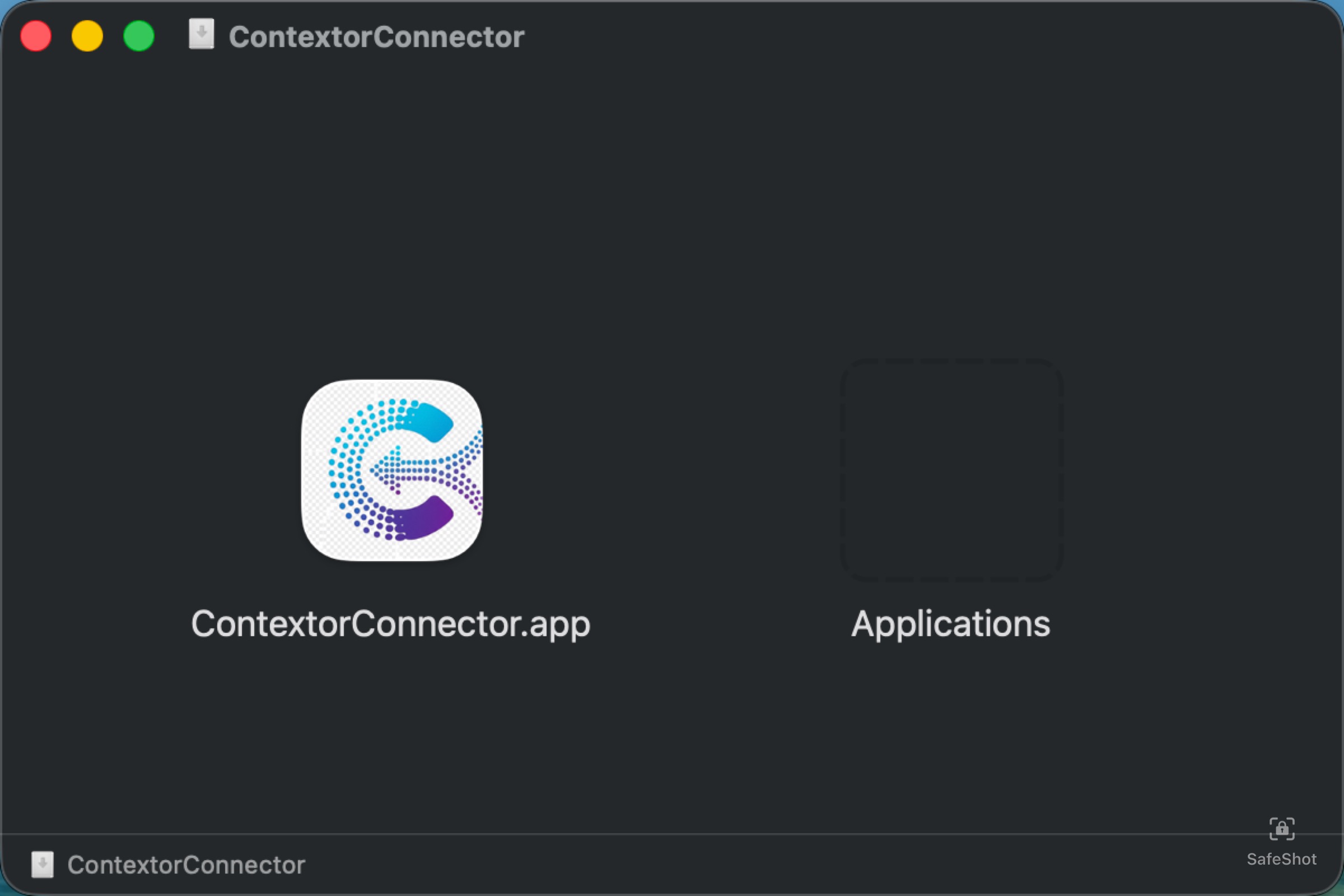
Open the DMG and drag to Applications
Open the downloaded ContextorConnector.dmg and drag the app to the Applications folder.
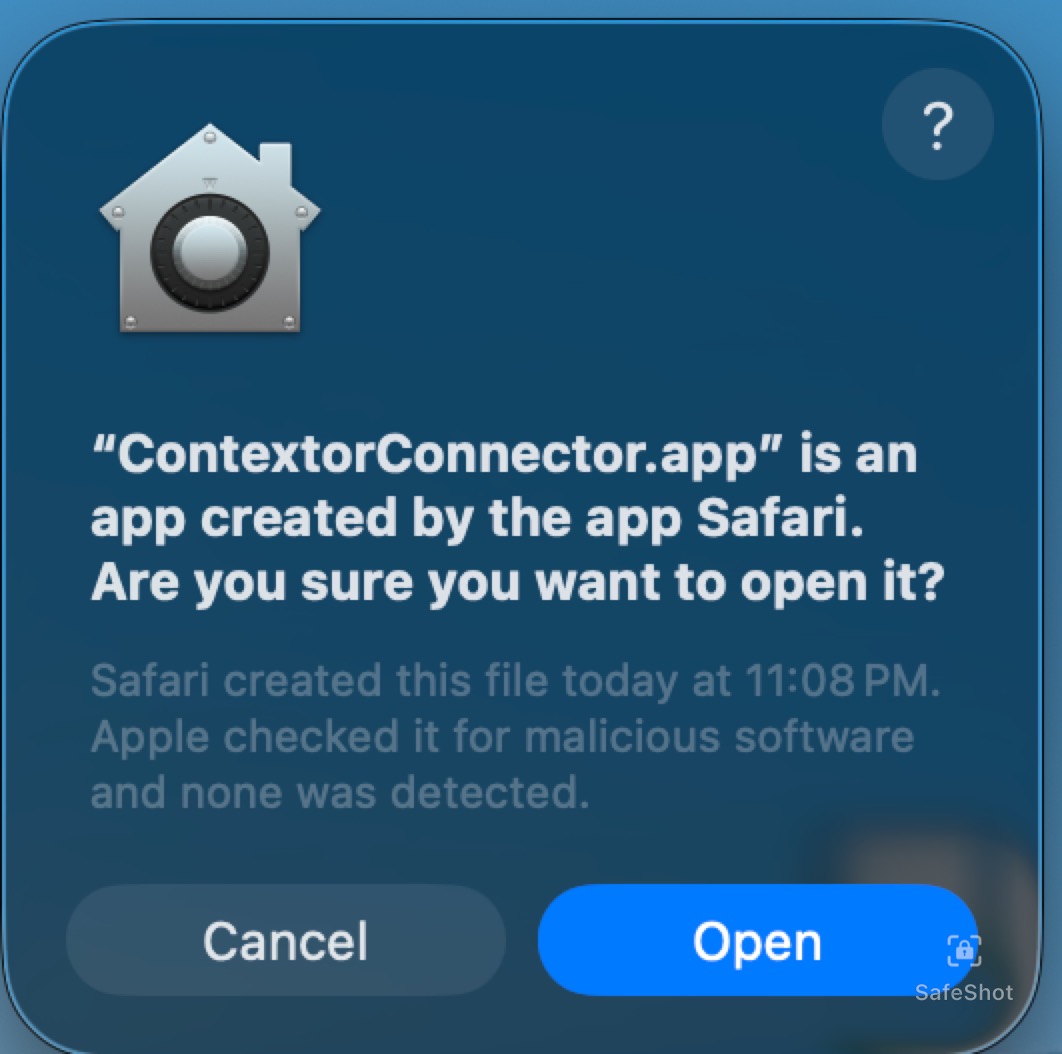
Confirm opening the app
macOS will ask if you want to open an app downloaded from the internet. Click Open.
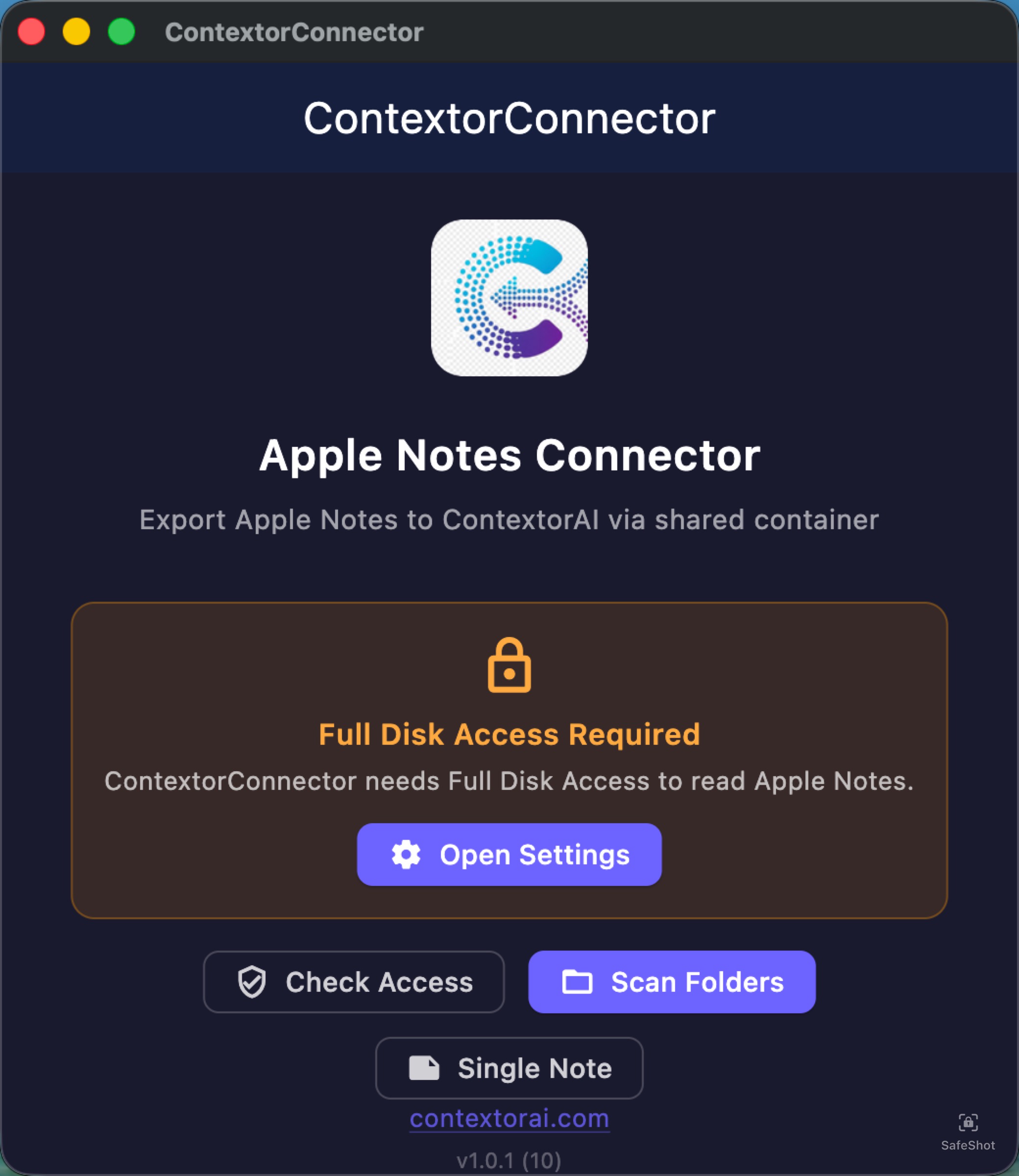
Grant Full Disk Access
ContextorConnector needs Full Disk Access to read the Apple Notes database. Click Open Settings.
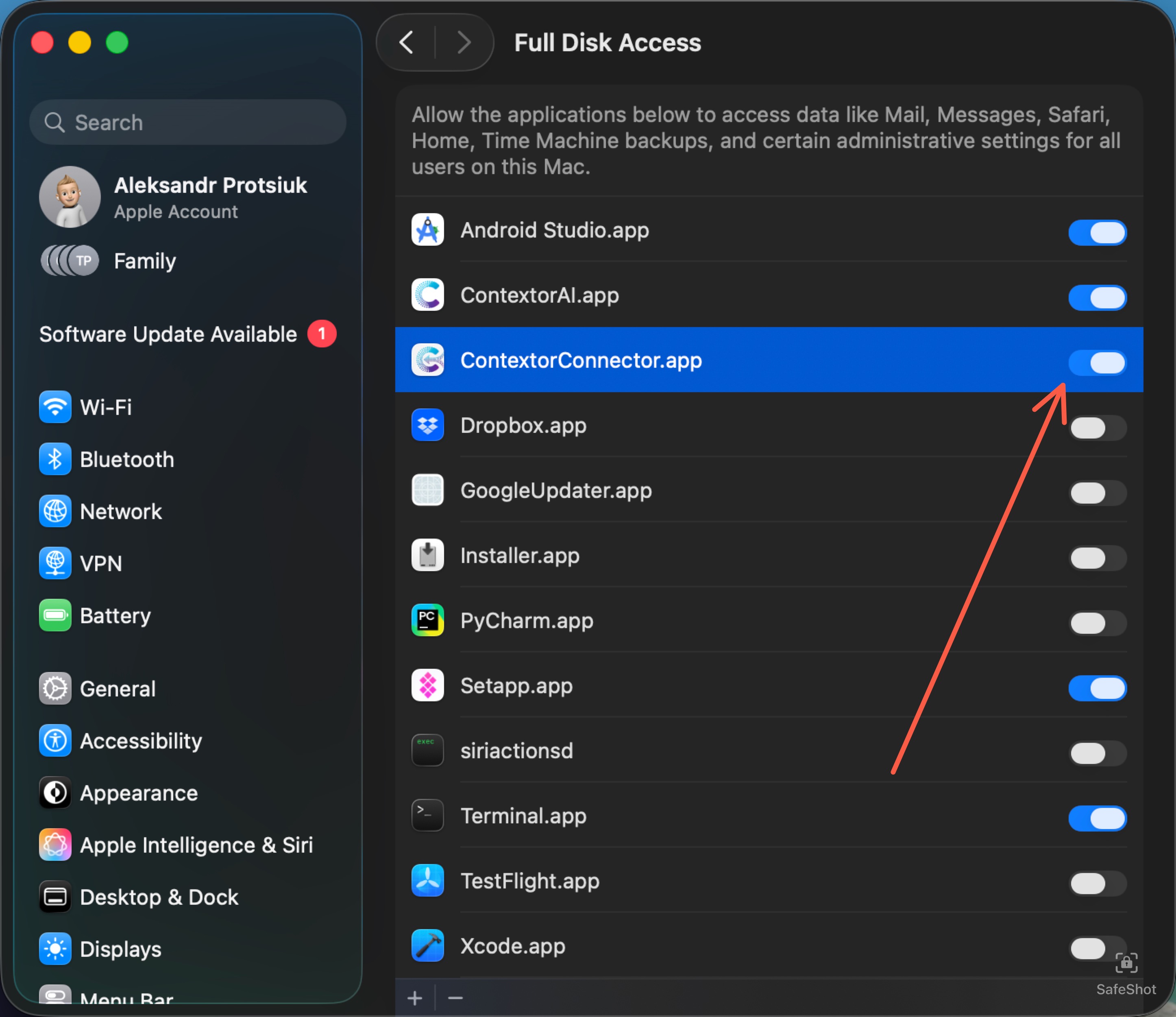
In System Settings, enable the toggle next to ContextorConnector.
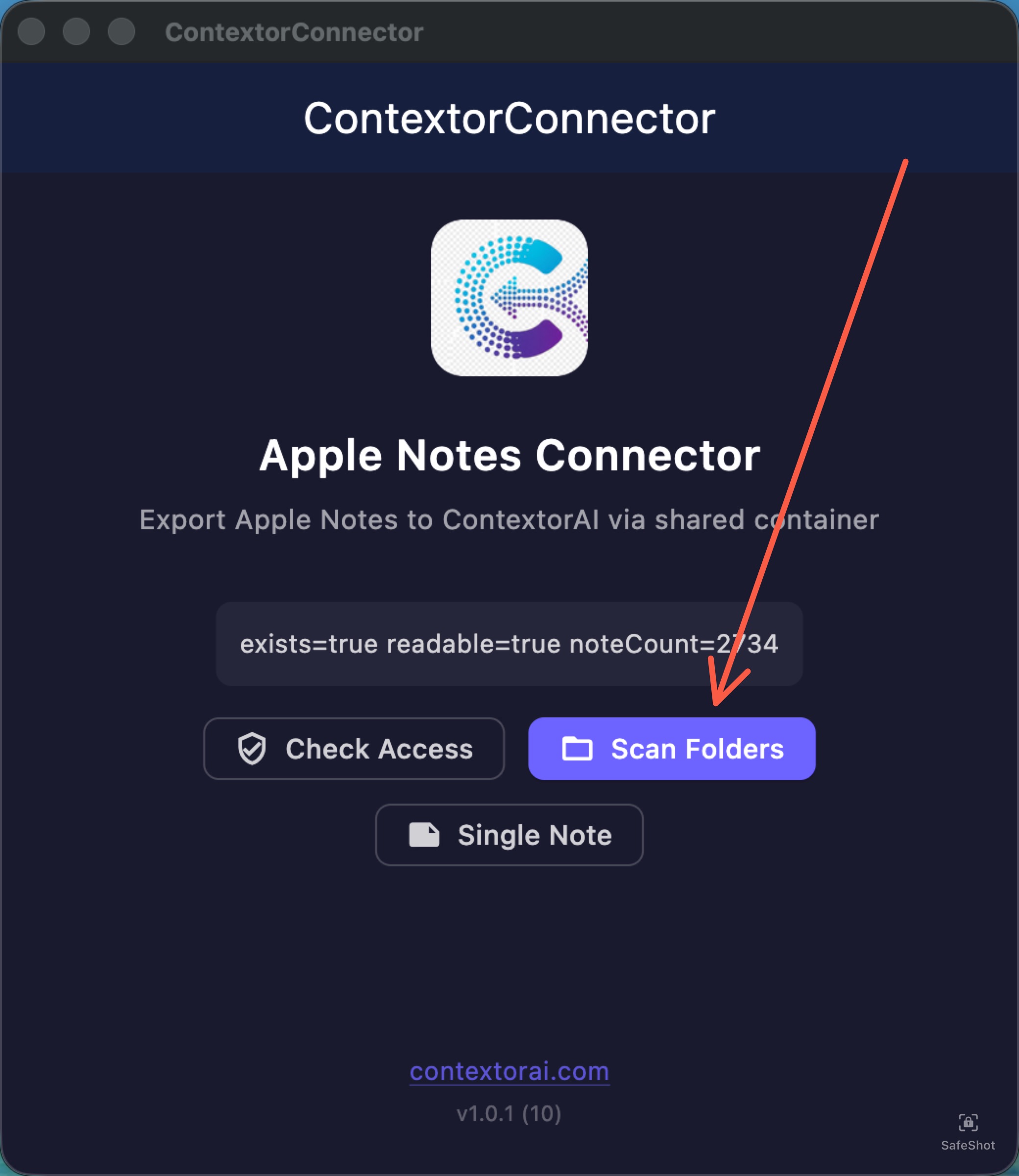
Click Scan Folders
Once access is granted, the app shows your note count. Click Scan Folders to see all your Apple Notes folders.
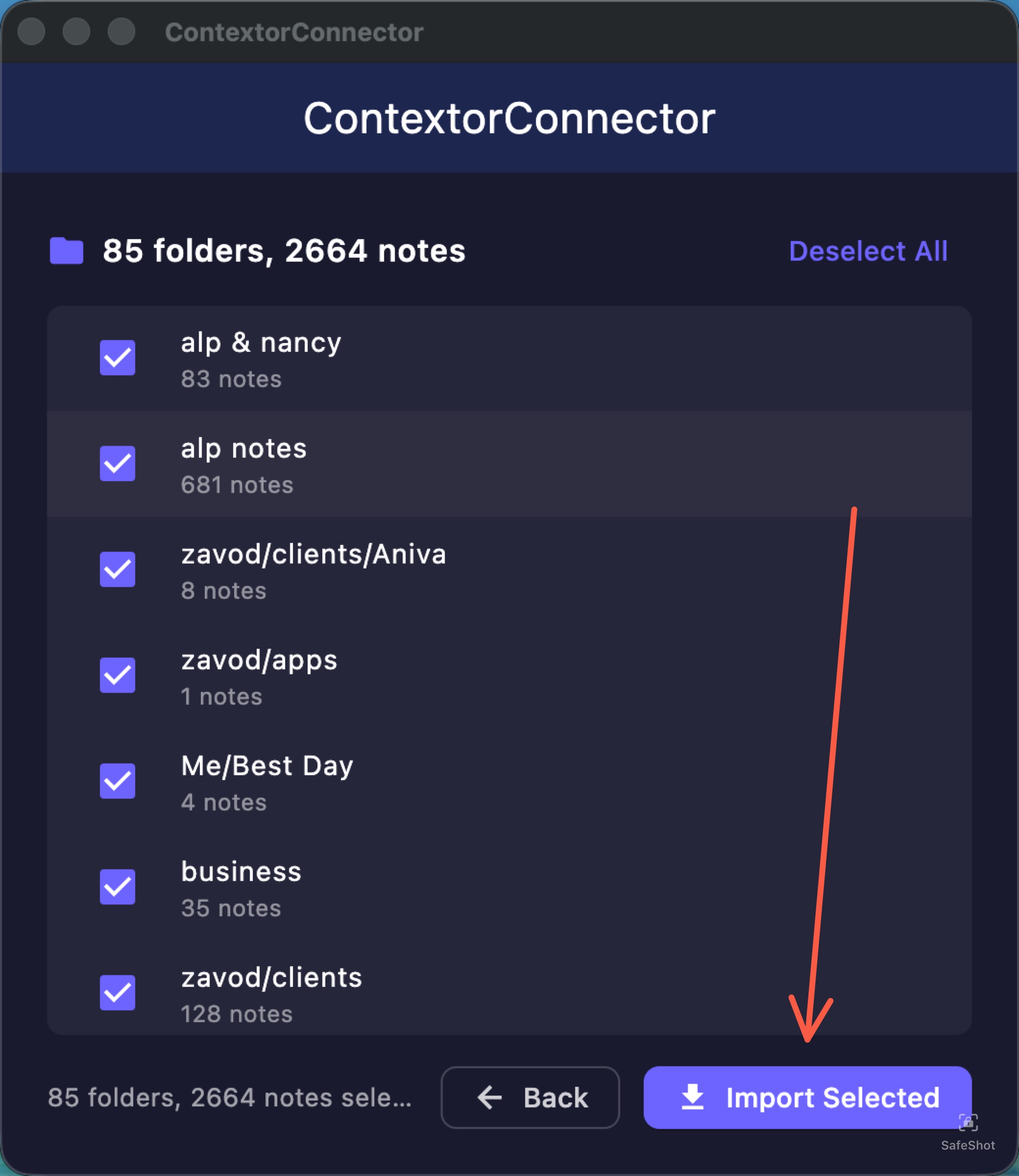
Select folders and click Import Selected
All folders are selected by default. Deselect any you don't need, then click Import Selected.
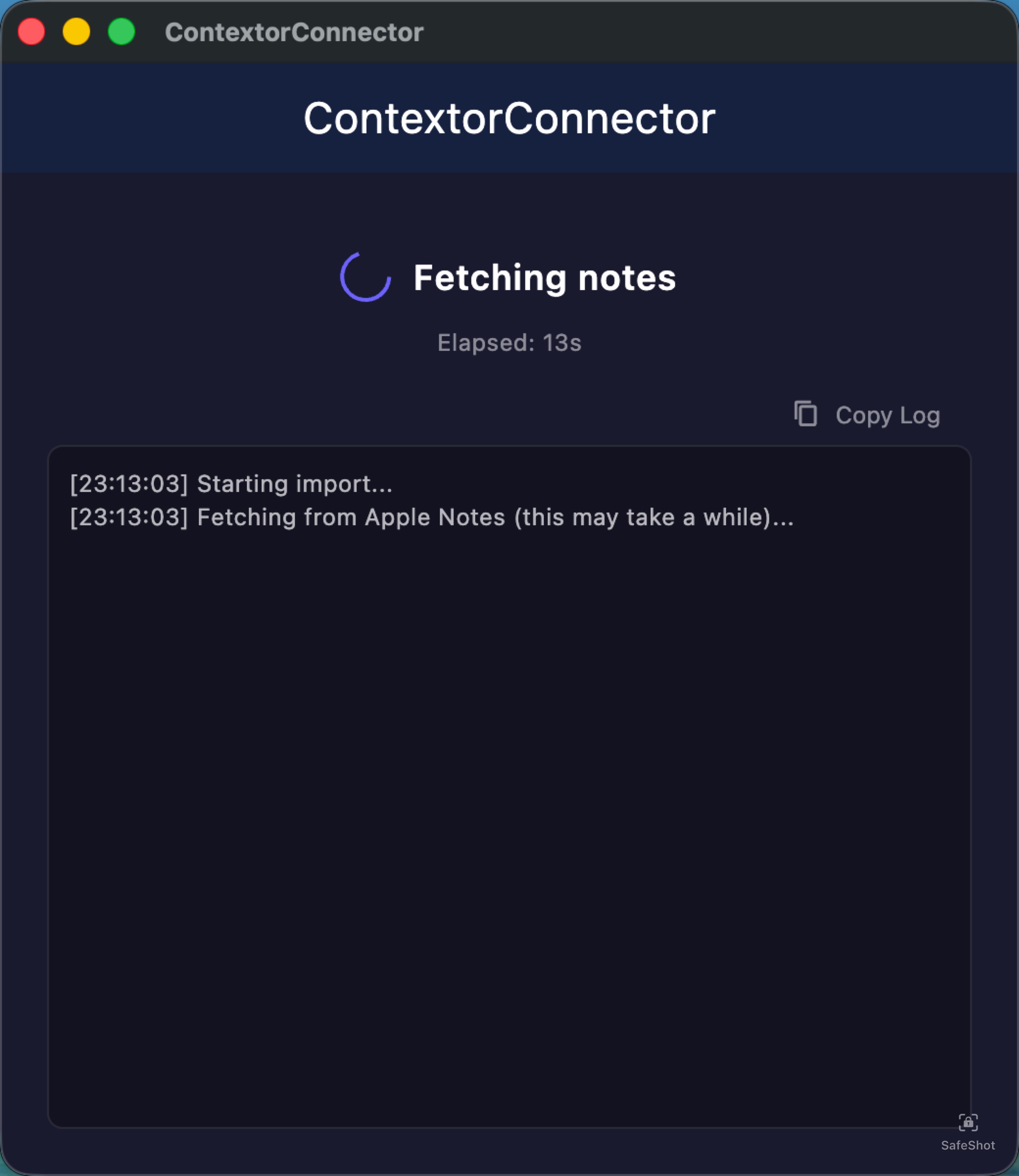
Wait for export to finish
ContextorConnector fetches your notes and attachments. Large libraries (1000+ notes) take around 5-10 minutes.
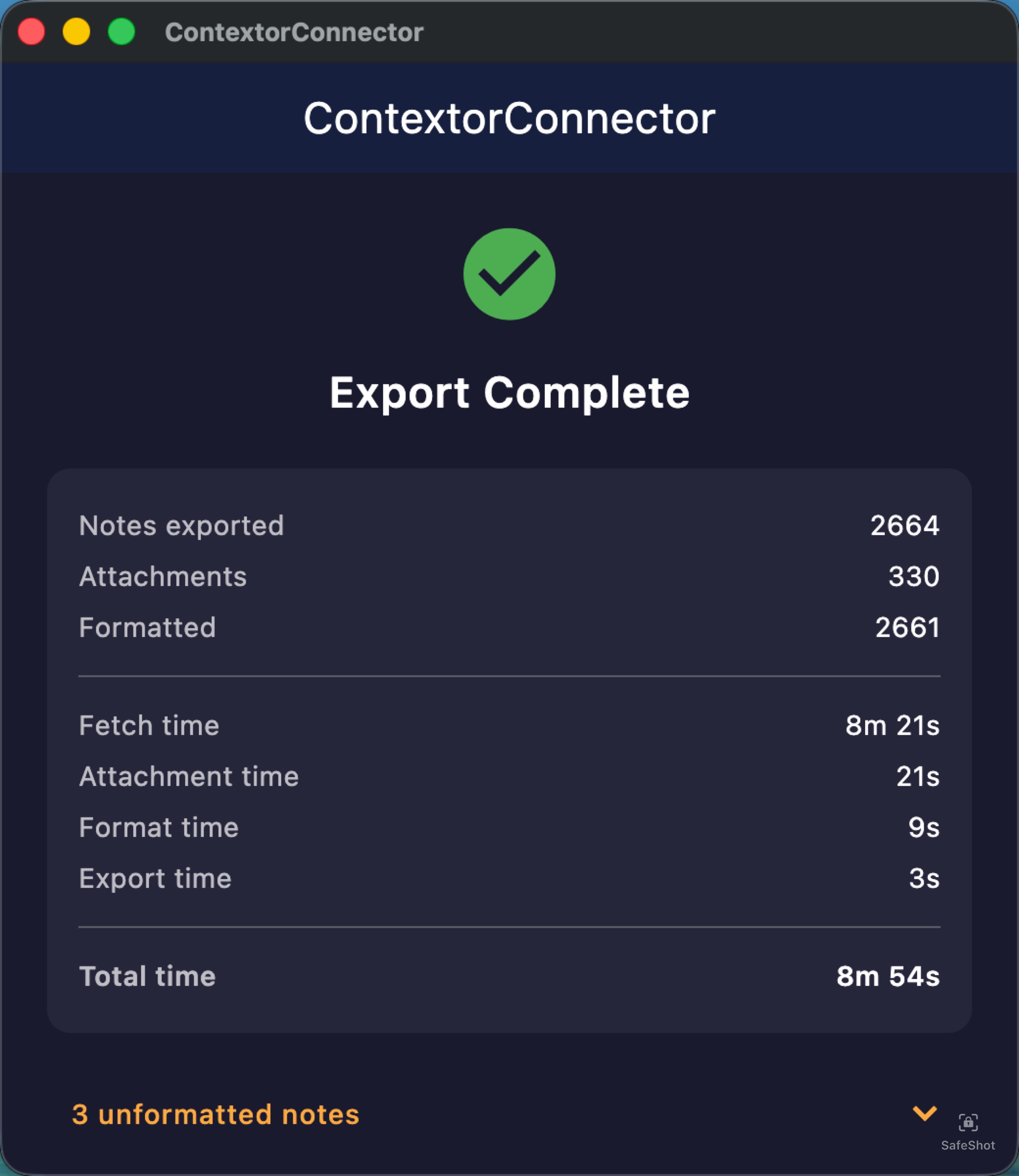
When done, you'll see the export summary.
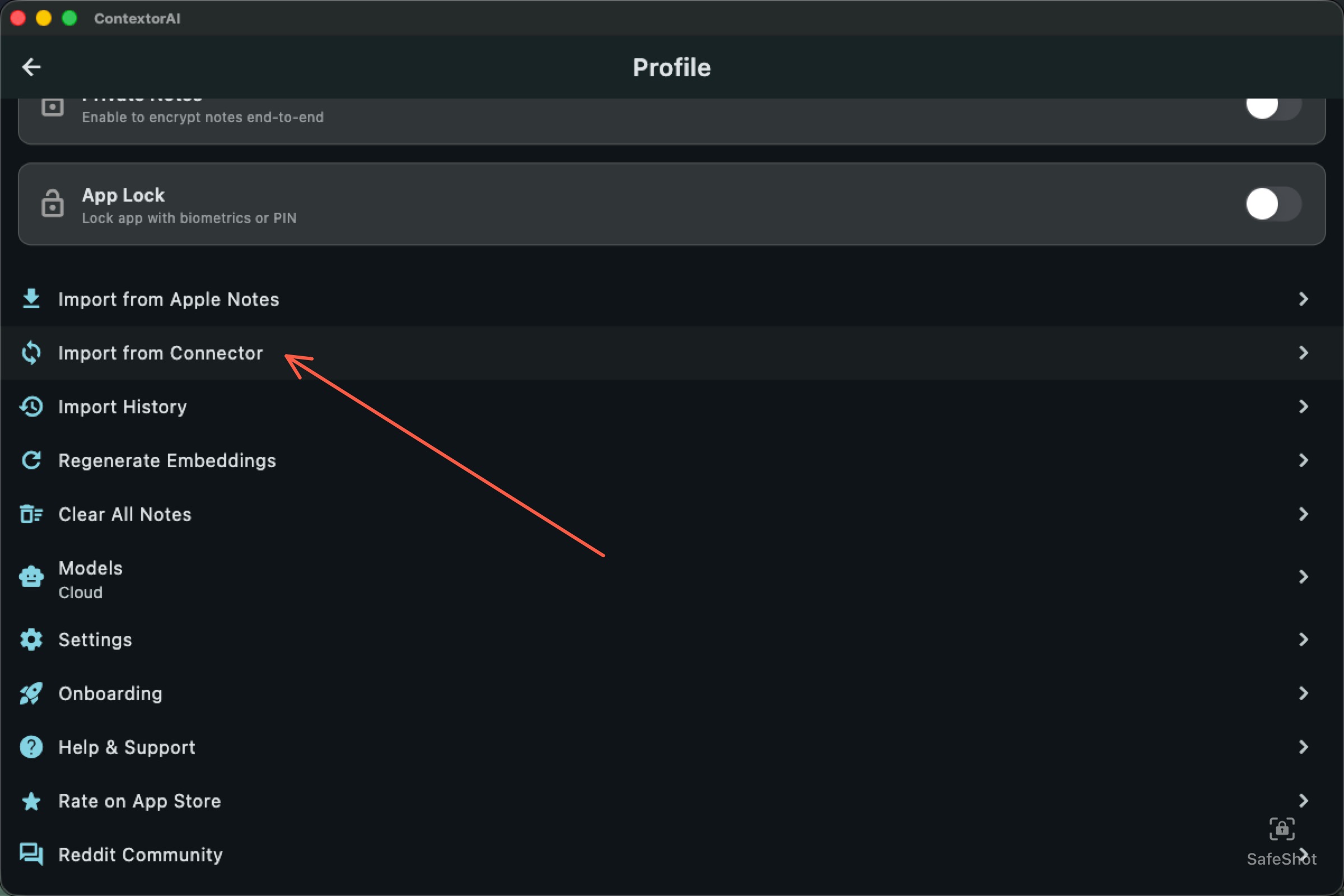
Open ContextorAI → Profile → Import from Connector
In ContextorAI, open Profile and tap Import from Connector.
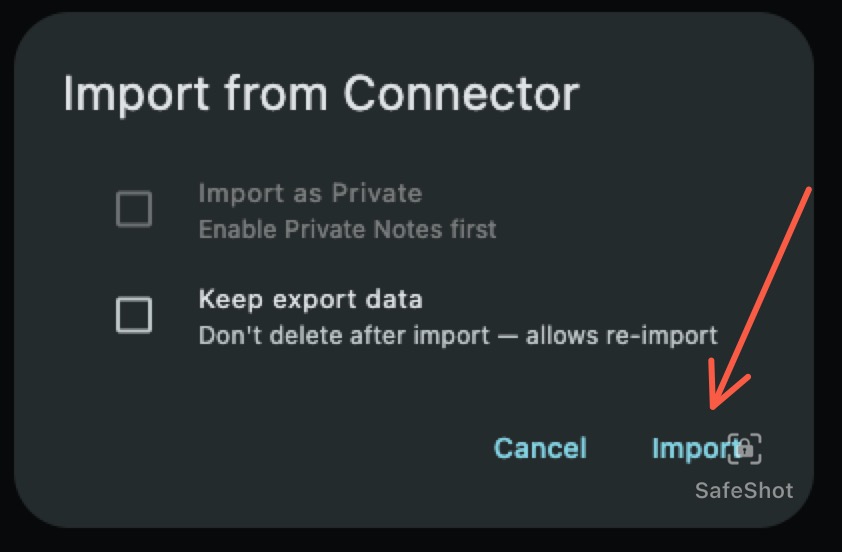
Confirm import
Click Import in the dialog. ContextorAI will read the exported data and sync everything to your account.
Questions? Write us at contextor@zavod-it.com